
Delete your account — UyDosh
You can request to delete your UyDosh account and all associated personal data. Please follow the steps below:
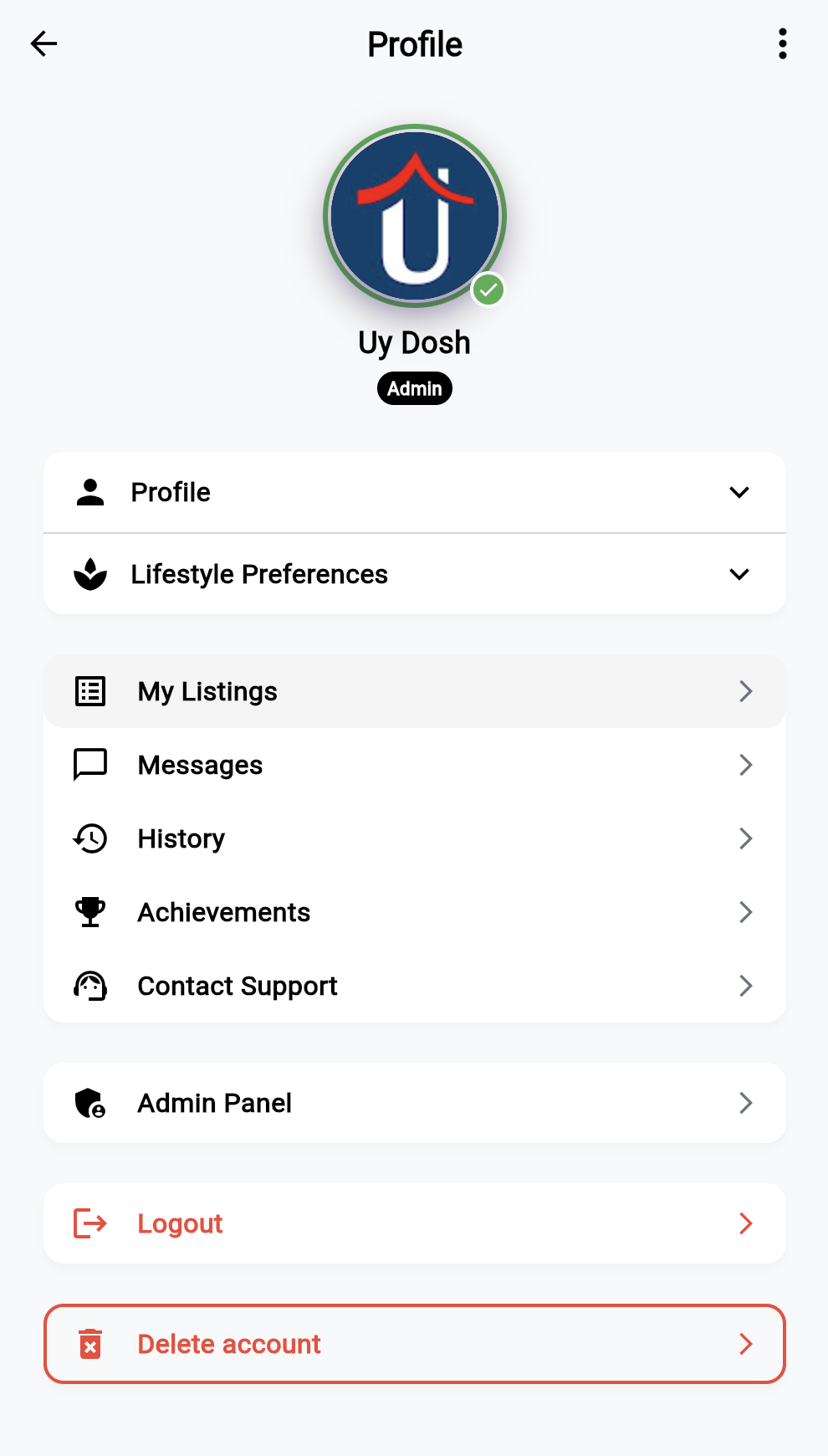
Steps to delete your account
- Log in to your UyDosh account in the app.
- Go to Profile → Delete Account.
- Tap Delete Account and confirm your request.
- Your account will be scheduled for deletion.
Data that will be deleted
- Name, email, phone number, and profile photo.
- All your listings.
- Messages and chat history.
Data that may be retained
Anonymous aggregated data (e.g., usage statistics) may be kept for analytics and improving the service.
Deletion timeline:
all personal data will be permanently deleted within 30 days of your
request.
If you run into issues or need help, contact support.
Regards, UyDosh Team